
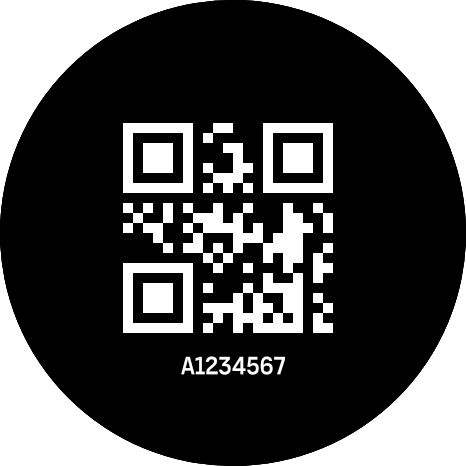
Parkrun QR
Parkrun QR Code on Your Wrist
Make parkrun check-ins effortless.
This SuuntoPlus™ app lets you carry your personal parkrun barcode right on your watch — no phone, no printouts.
How it works
- Open Suunto App → find Parkrun under SuuntoPlus™ apps settings.
- Enter your personal parkrun ID (Axxxxx).
- Sync your Suunto watch.
- Start your run and open the Parkrun S+ app from your watch.
- Your QR code will be generated and shown directly on the screen — ready to scan at the finish.
Take your parkrun with you - right on your wrist.
Light legs and easy miles!
Contact us
This content is available in the Suunto App
Download the app on your phone, then open this link on mobile to sync automatically


Don't have the Suunto App? Download for iOS or Android
This service is not affiliated with, endorsed by, or connected to Suunto Oy.